Viewport Search
Search for objects in your scene straight from the viewport, so you never have to dig through the Outliner for something buried behind other objects.
Get Viewport Search — or get all 18 add-ons
The Ultimate Value Bundle includes Viewport Search and 17 more add-ons. Offer ends 13th September, 11:59 PM.
Get the Ultimate Value Bundle →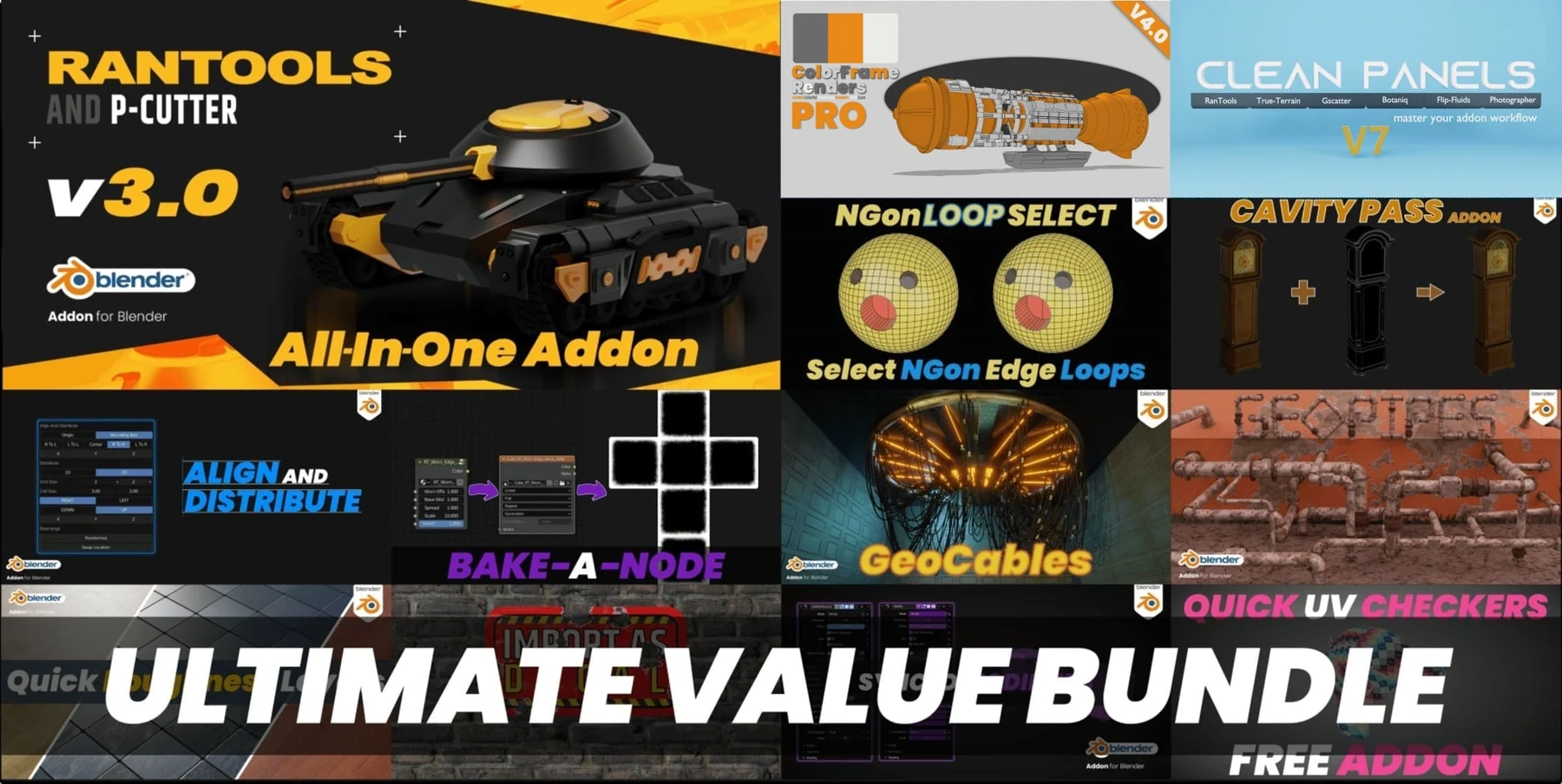
Usage
Once installed you're ready to go — there's nothing to configure.
Press Ctrl+F (changeable in the add-on preferences) to bring up the search panel and type the name of the object you're after. It's selected and focused automatically, and the Outliner expands to show it — which you can turn off in the preferences.
Also from my store
RanTools (and P-Cutter)
My all-in-one add-on. Recent additions include a new HDRI Library, Fast Cutter Mode for P-Cutter, better cloth and cable simulations, and asset browser support for the material library.
View RanTools →