Saved Views
Save your viewport location and rotation, then restore them any time. Thumbnails are captured automatically so you can see where you're going back to.
Ctrl+W panelF5 quick saveAutomatic thumbnails
Get Saved Views — or get all 18 add-ons
$90Bought Separately
→
$45Bundle Price
→
$31.50With 30% Off
The Ultimate Value Bundle includes Saved Views and 17 more add-ons. Offer ends 13th September, 11:59 PM.
Get the Ultimate Value Bundle →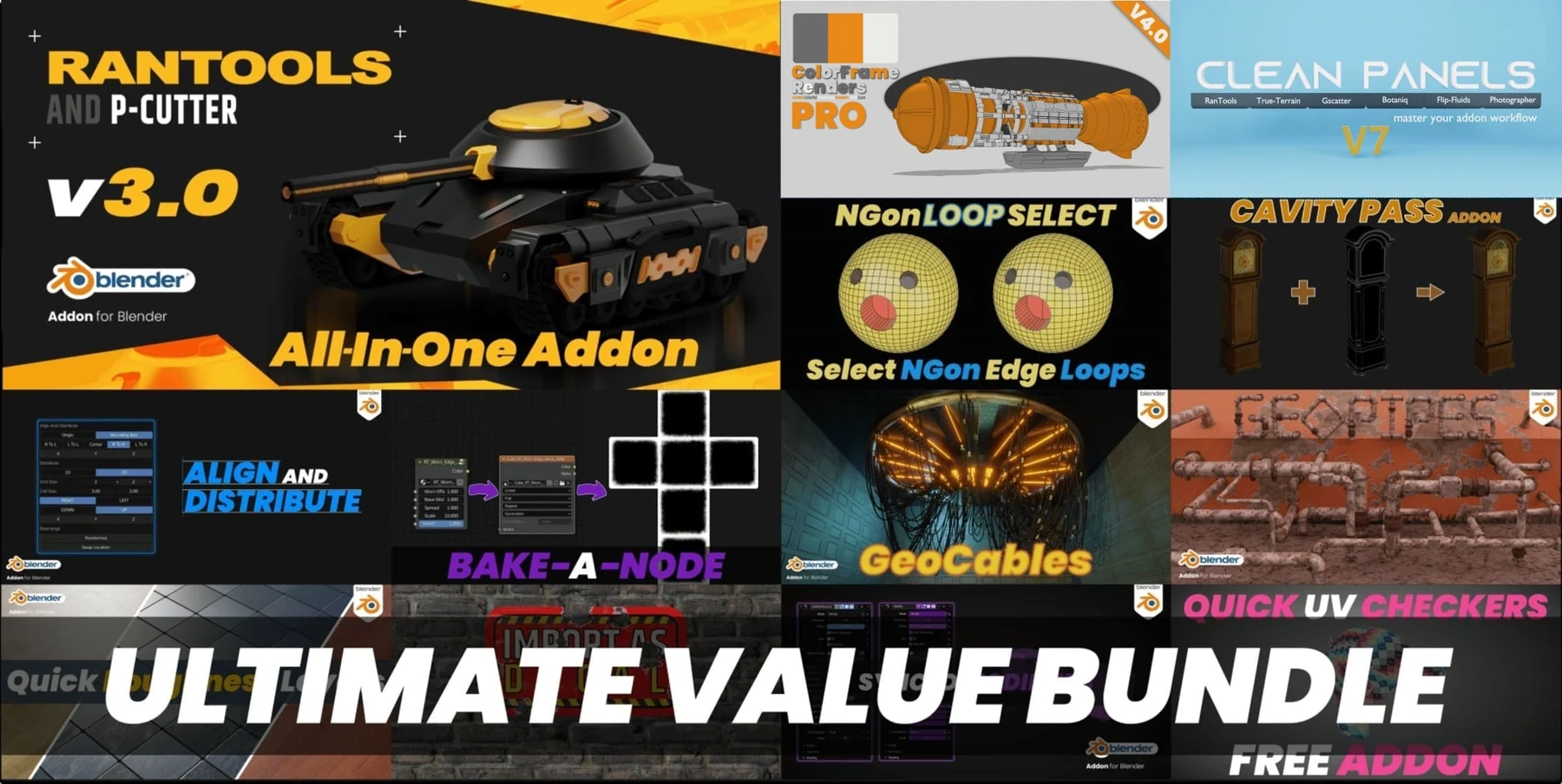
Usage
- Open the Saved Views panel from the View section of the N-Panel, or press Ctrl+W (changeable in preferences).
- Save a new view with the + button, remove one with −.
- Thumbnails are captured and saved automatically.
- Switch views by selecting a thumbnail or picking a name from the list.
Local view state is saved along with the view, so you can return to local view just by selecting the saved view.
There's also a camera list for quickly switching between camera views.
What's new
Release notes
V3.0
- Quick Save and Recall.
V2.0
- Search and Select in the viewport — find and select objects by name without going to the Outliner, including searching Saved Views names to switch to them.
- New Add Camera to view button.
- Quick Save: press F5 and enter a name to save the current view.
- Bug fixes.
More tools
Also from my store
RanTools (and P-Cutter)
My all-in-one add-on. Recent additions include a new HDRI Library, Fast Cutter Mode for P-Cutter, better cloth and cable simulations, and asset browser support for the material library.
View RanTools →