Quick Files
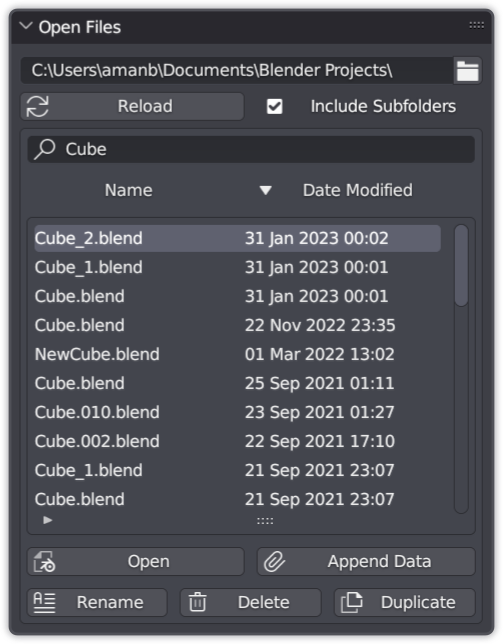
Stop digging through file explorer windows. Press a button and every blend file in your project directory appears, filterable and sortable by name or date.
Get Quick Files — or get all 18 add-ons
The Ultimate Value Bundle includes Quick Files and 17 more add-ons. Offer ends 13th September, 11:59 PM.
Get the Ultimate Value Bundle →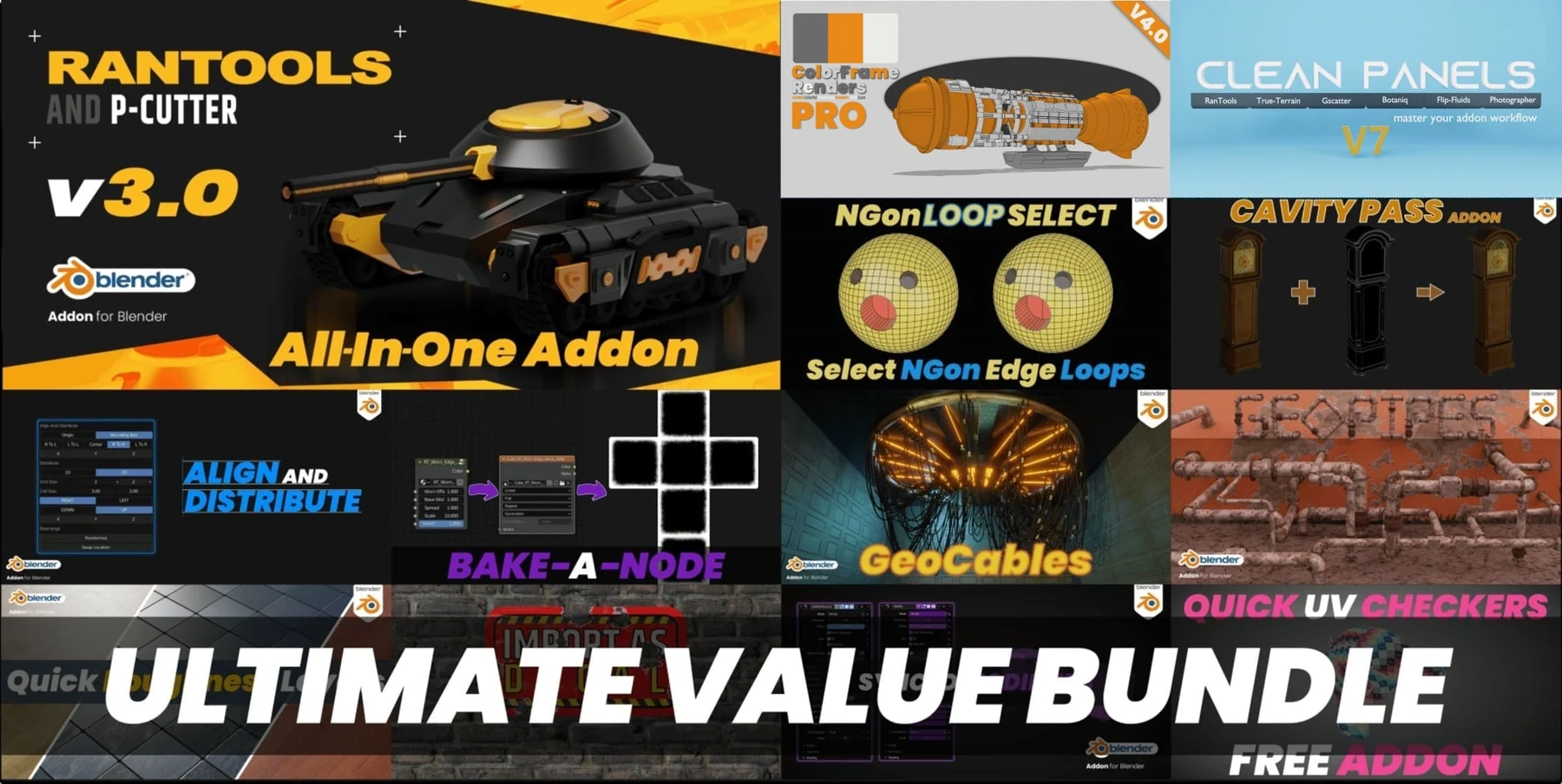
Usage
Install it like any other add-on and you'll find the Files tab in the side panel. Press F6 to bring up the popup panel.
What you can do
Open
Open any blend file in the list.
Append
Add the data from any blend file into your current scene in one click.
Rename
Rename any blend file in the list to keep the project organised.
Delete
Remove blend files you no longer need and free up disk space.
Duplicate
Copy any blend file to experiment with variations of your work.
Recent files panel
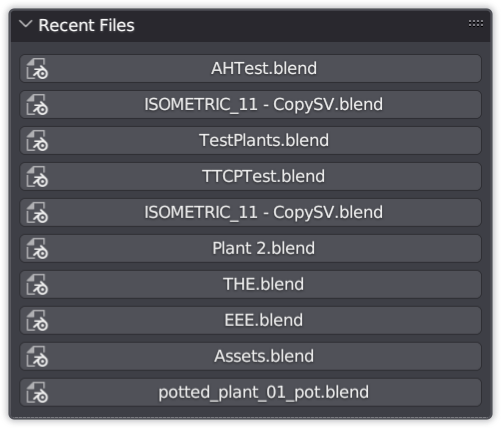
A side panel lists your most recently used blend files, so you can jump straight back to previous work.
Also from my store
RanTools (and P-Cutter)
My all-in-one add-on. Recent additions include a new HDRI Library, Fast Cutter Mode for P-Cutter, better cloth and cable simulations, and asset browser support for the material library.
View RanTools →