GeoCables
Generate procedural hanging cables with Geometry Nodes — draw them straight onto surfaces in Object Mode, or convert an existing object's edges into cables.
Get GeoCables — or get all 18 add-ons
The Ultimate Value Bundle includes GeoCables and 17 more add-ons. Offer ends 13th September, 11:59 PM.
Get the Ultimate Value Bundle →
How it works
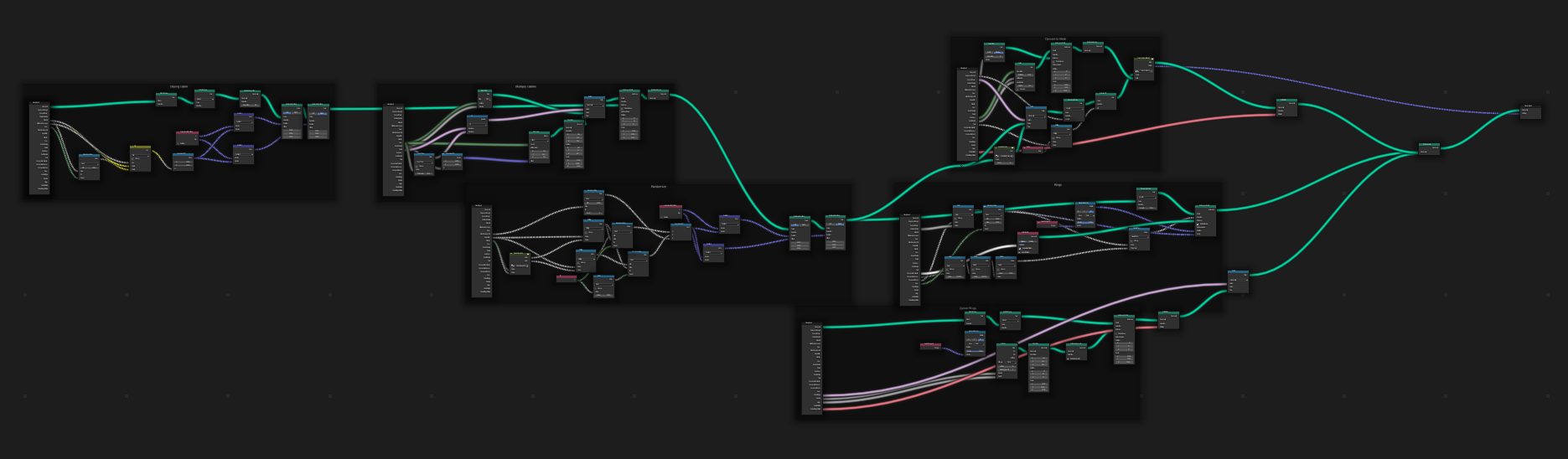
The core of the add-on is Geometry Nodes, but it adds the conveniences the raw node tree doesn't give you — drawing in Object Mode by clicking on surfaces, and converting existing objects into cables.
Usage
- The GeoCables panel sits under the A-Tools section of the N-Panel.
- Click Create/Edit Cables to start drawing mode.
- Click any face to place a point, and keep clicking to add more.
- Hold Ctrl to snap a point to the centre of a face.
- Hold Alt while clicking to split the cable.
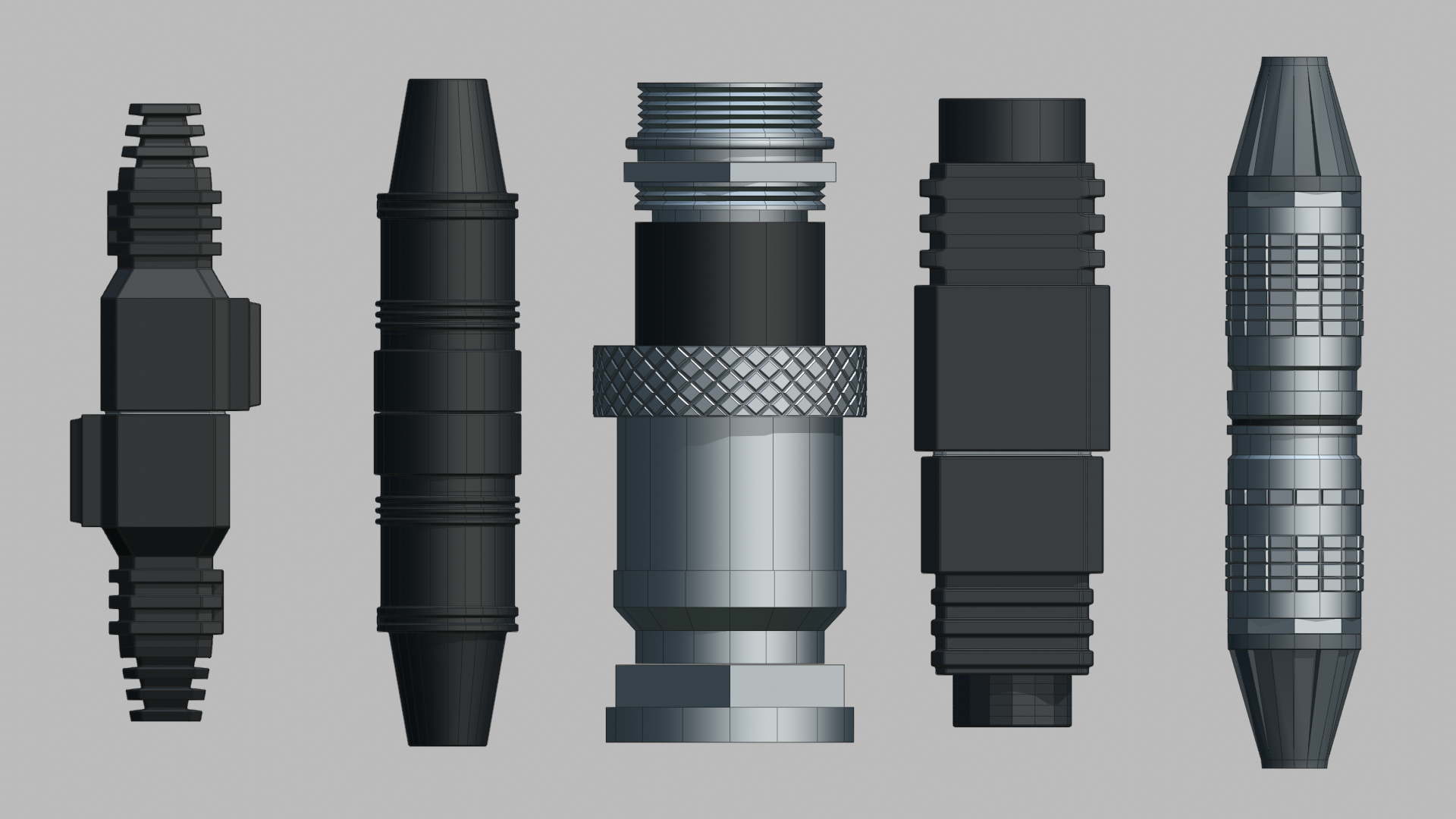
With a GeoCable object selected, click Add Shipped Connectors to add the five connectors that ship with the add-on.
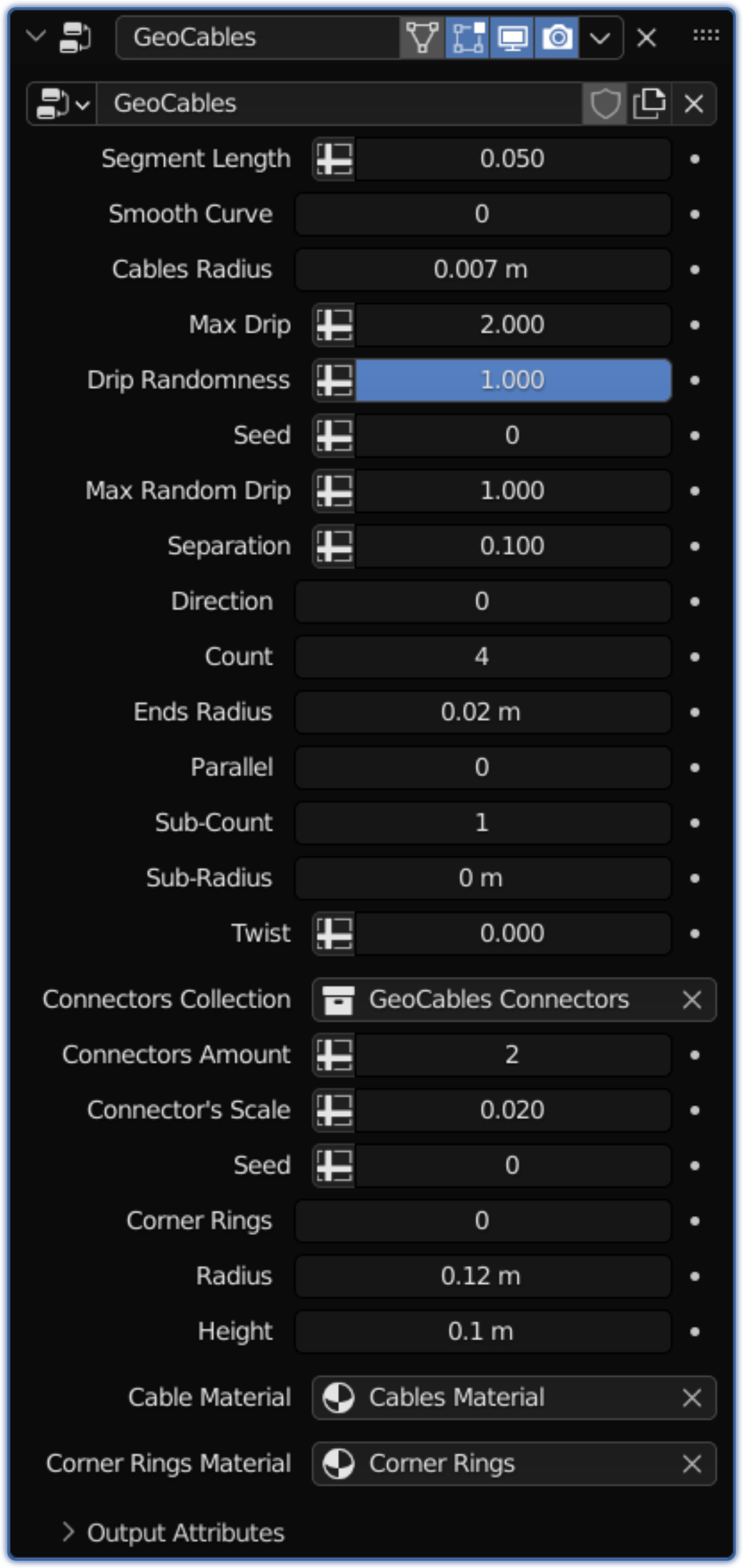
Select any object and click Object to Cables to convert all of its edges into cables. For finer control, use the GeoCables modifier that is added to every GeoCable object.
More examples
Change count
Randomise drip per segment
Parallel or radial distribution
Multicables and twisting
Add your own connectors
Release notes
- Fixed the high polycount issue.
- Fixed the normals issue on some connectors.
- Fixed the add-on creating an unnecessary Geometry Nodes node tree (called 'Geometry Nodes') every time new cables were created.
- Fixed a bug where applying the Geometry Nodes modifier deleted the connectors.
- Fixed the crash when switching to the Cycles render engine.
Also from my store
RanTools (and P-Cutter)
My all-in-one add-on. Recent additions include a new HDRI Library, Fast Cutter Mode for P-Cutter, better cloth and cable simulations, and asset browser support for the material library.
View RanTools →