ColorFrame Renders Pro
Create colourful wireframe renders and take your presentation to the next level.
Cycles & EeveeLine Art supportSaved palettes
Get ColorFrame Renders Pro — or get all 18 add-ons
$90Bought Separately
→
$45Bundle Price
→
$31.50With 30% Off
The Ultimate Value Bundle includes ColorFrame Renders Pro and 17 more add-ons. Offer ends 13th September, 11:59 PM.
Get the Ultimate Value Bundle →
Pro features
Includes everything in ColorFrame Renders, plus:
Metallic shading
Add metallic shading to selected materials using material viewport colours.
Edit wireframe colours and opacity
Change wireframe colour and opacity from the ColorFrame panel and see the result in real time.
Change background colour
Set any background colour, or make it transparent.
Save and reuse colour palettes
One of the biggest additions in the Pro version — keep palettes for future use.
What's new
Release notes
V4.1
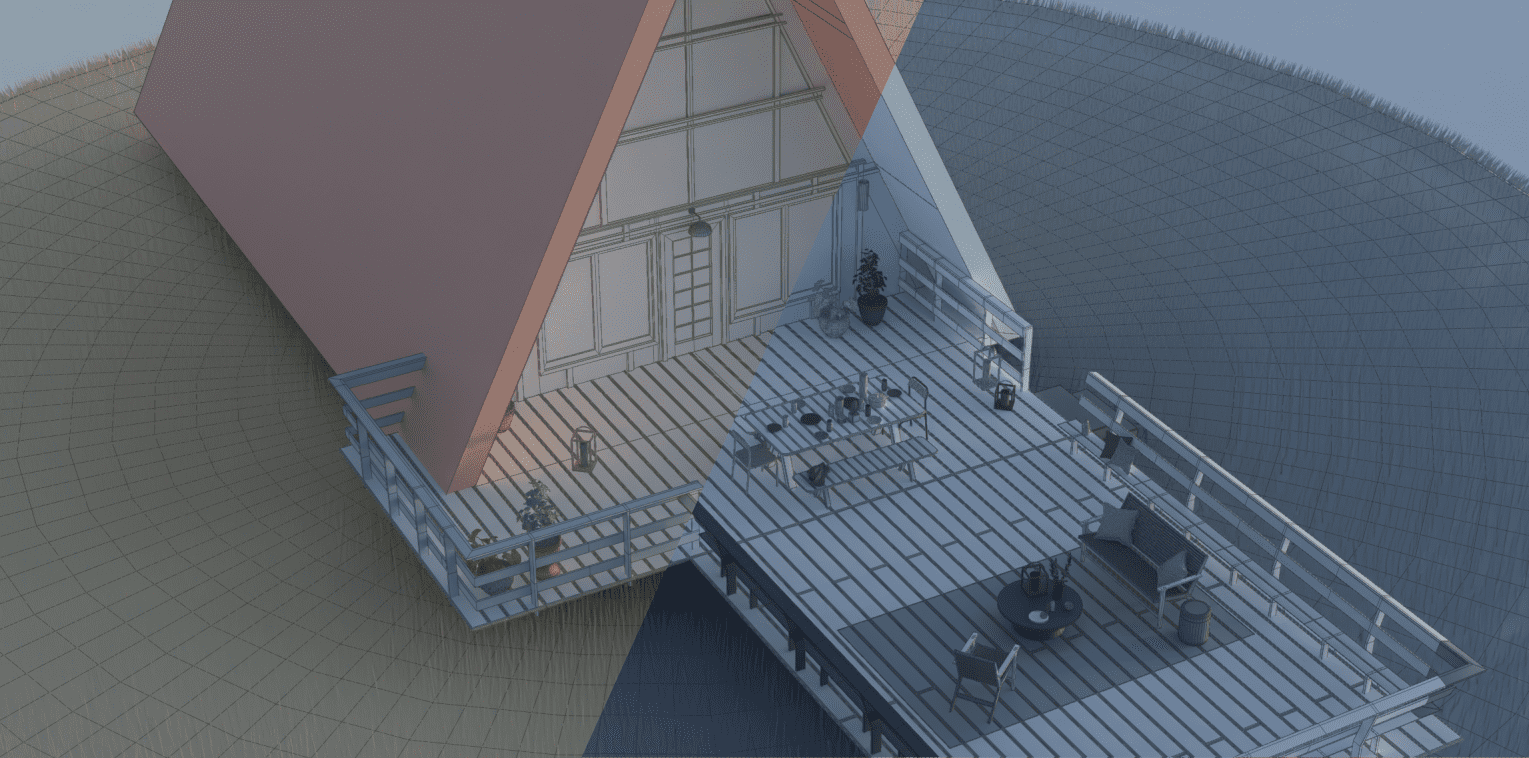
- Use generated colours in your final render. Building on the existing palette system, colours now integrate into both Cycles and Eevee renders.
V4.0
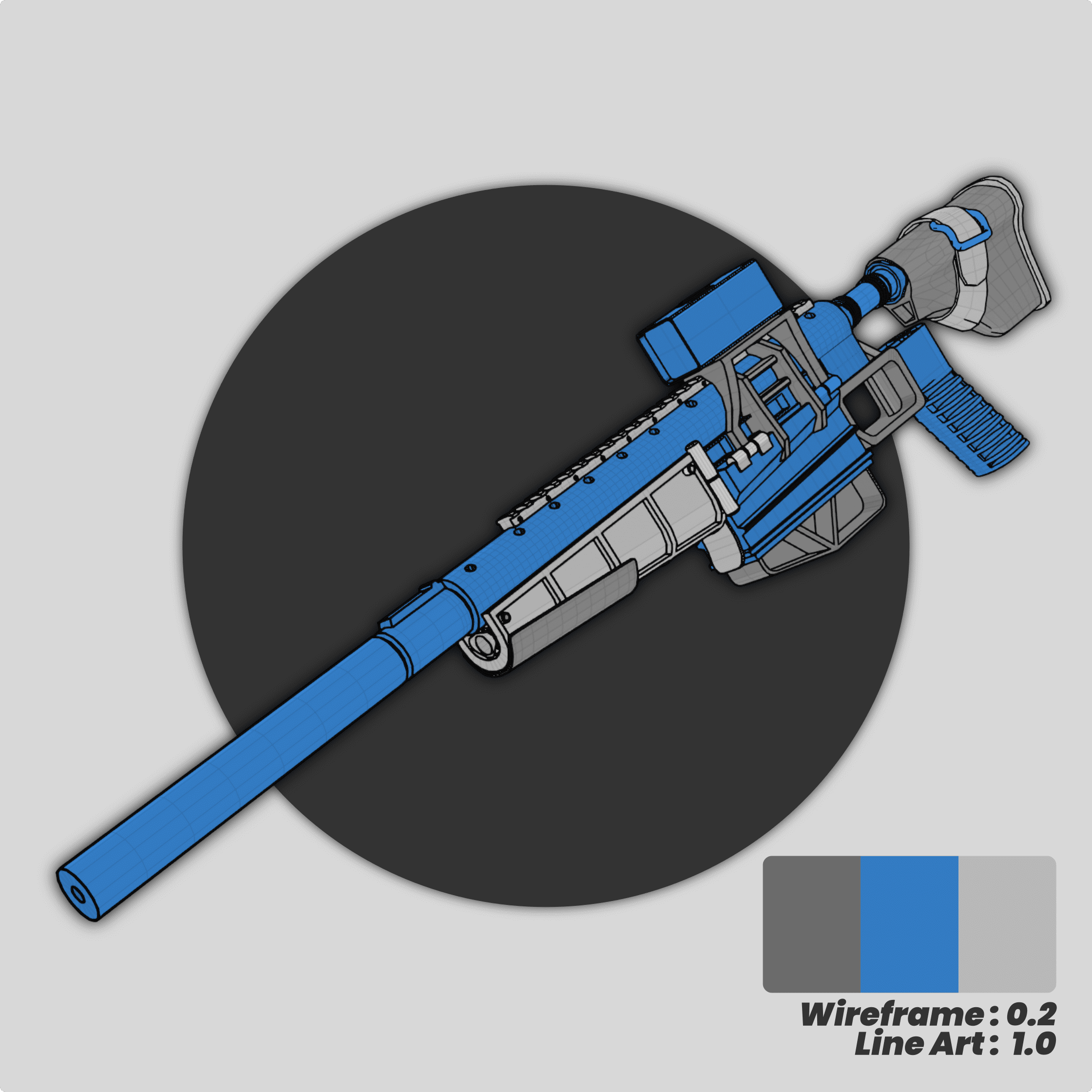
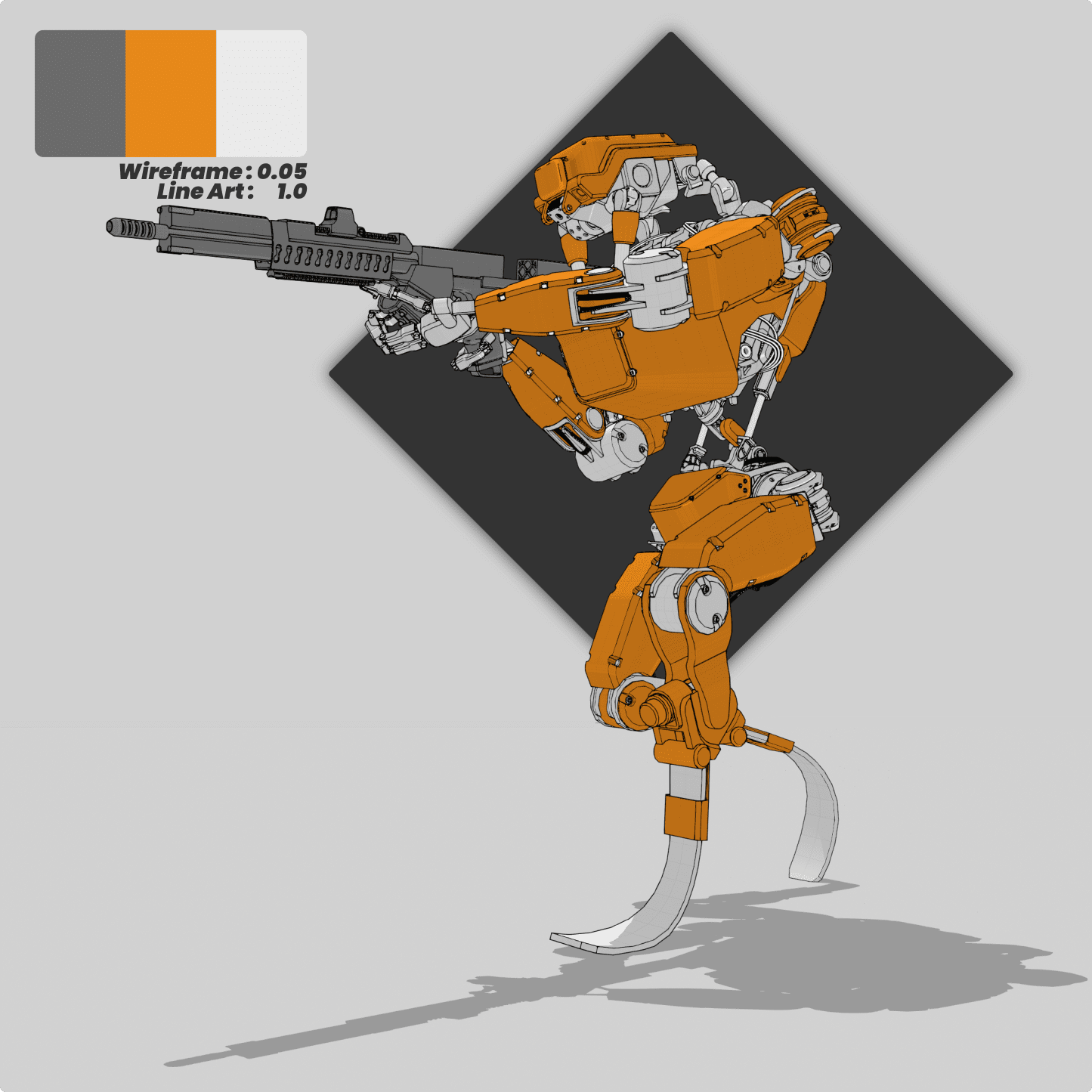
- Line Art support: integrate Blender's line art from the ColorFrame panel for bolder outlines alongside lighter wireframes.
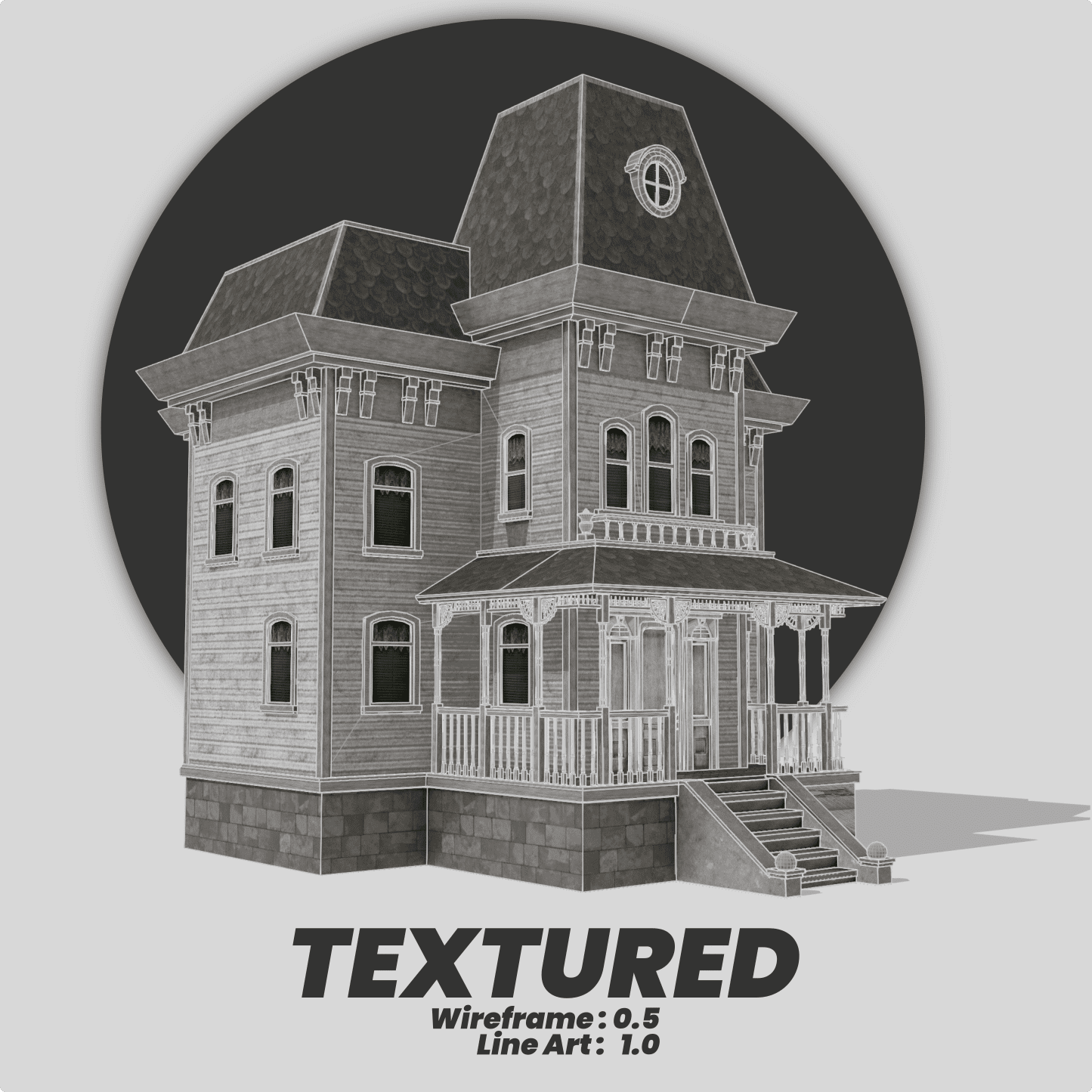
V3.0.0
- New Object Color method supporting more object types — curves, surfaces and text.
- The Object Color method is far faster than the vertex colour method.
- Palettes are saved into collections for better organisation.
V2.0.0
- Works in Edit Mode to assign random colours to all loose parts of a selection (vertex-colour mode).
- Option to create new materials automatically when none are found.
Gallery
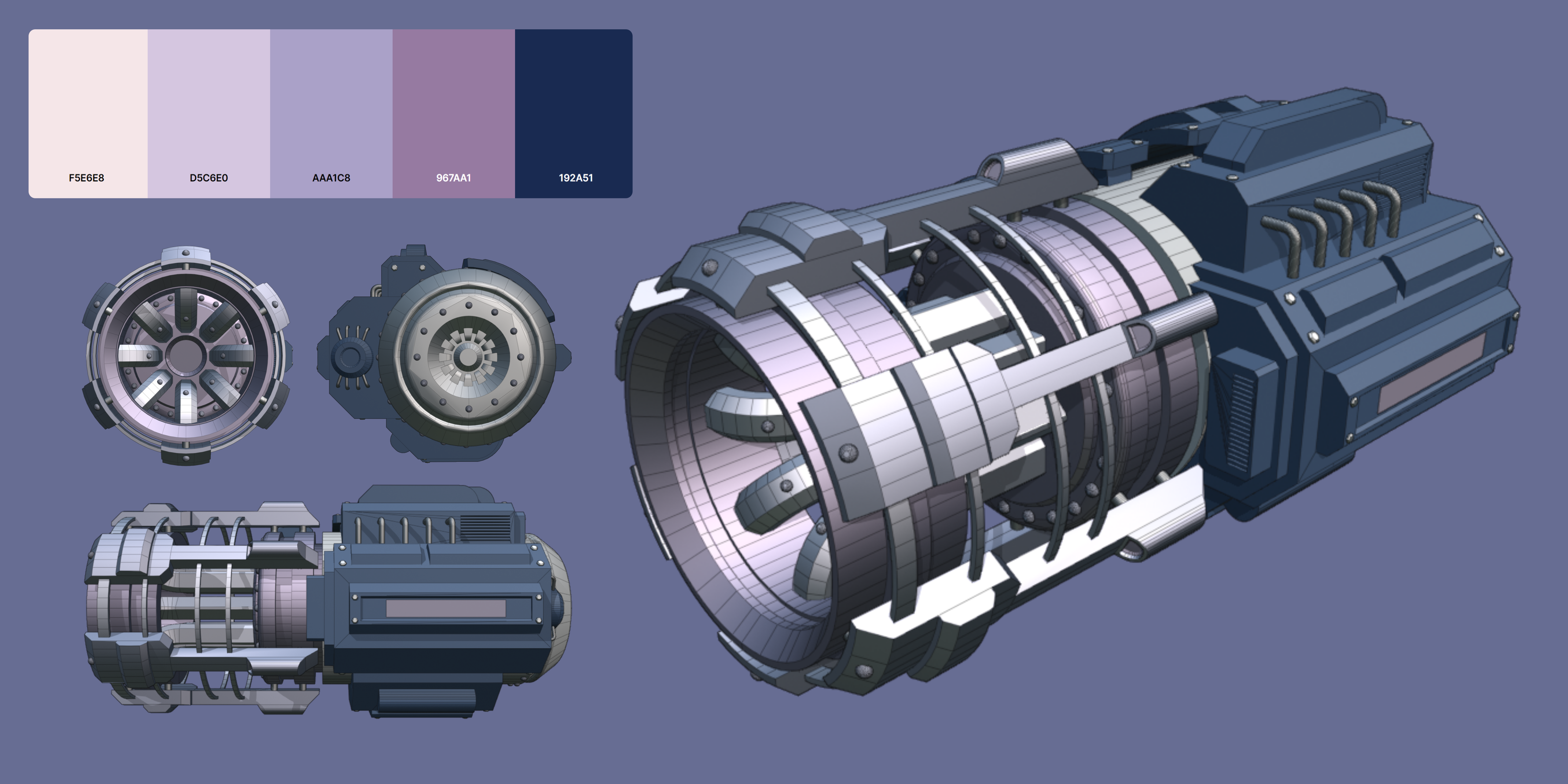
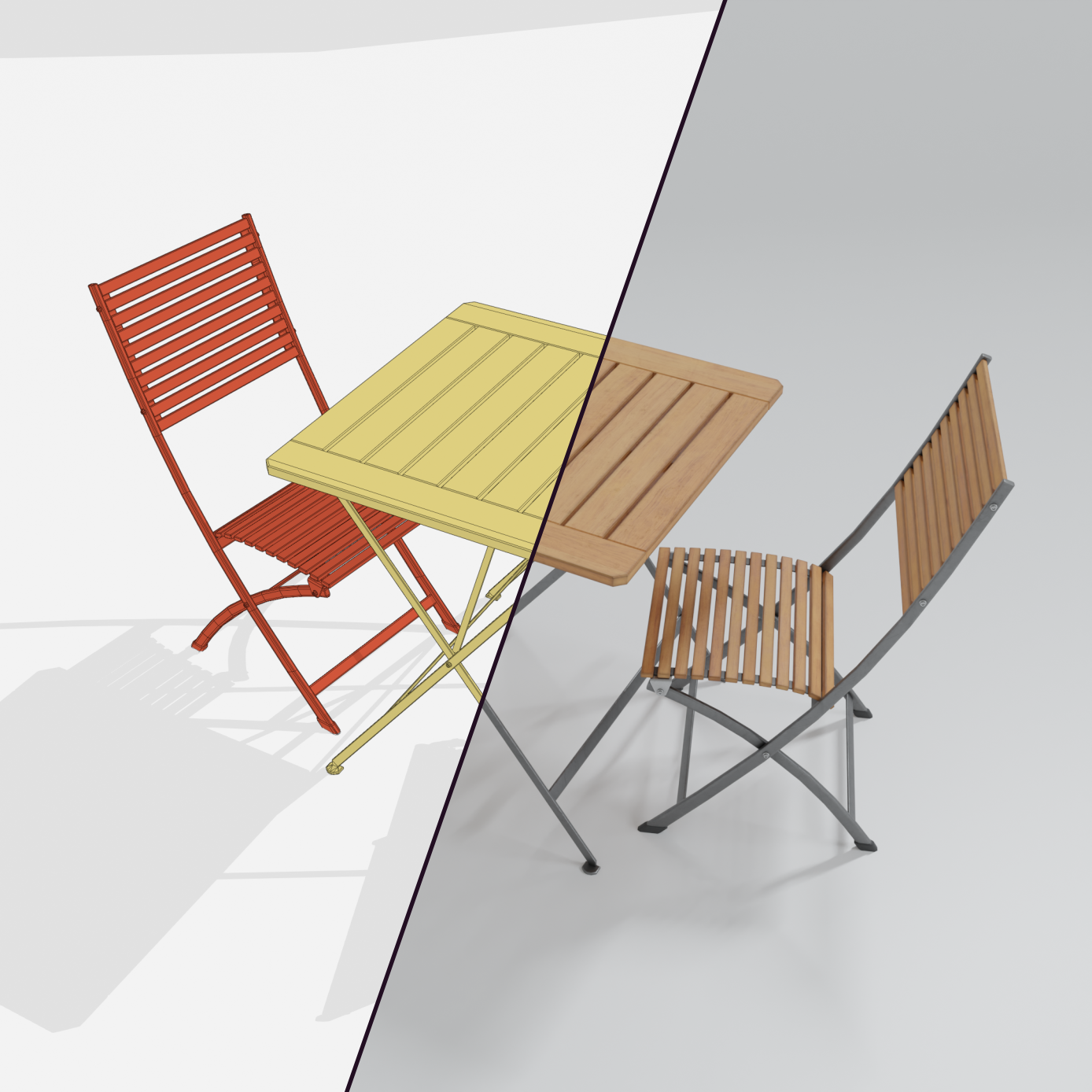
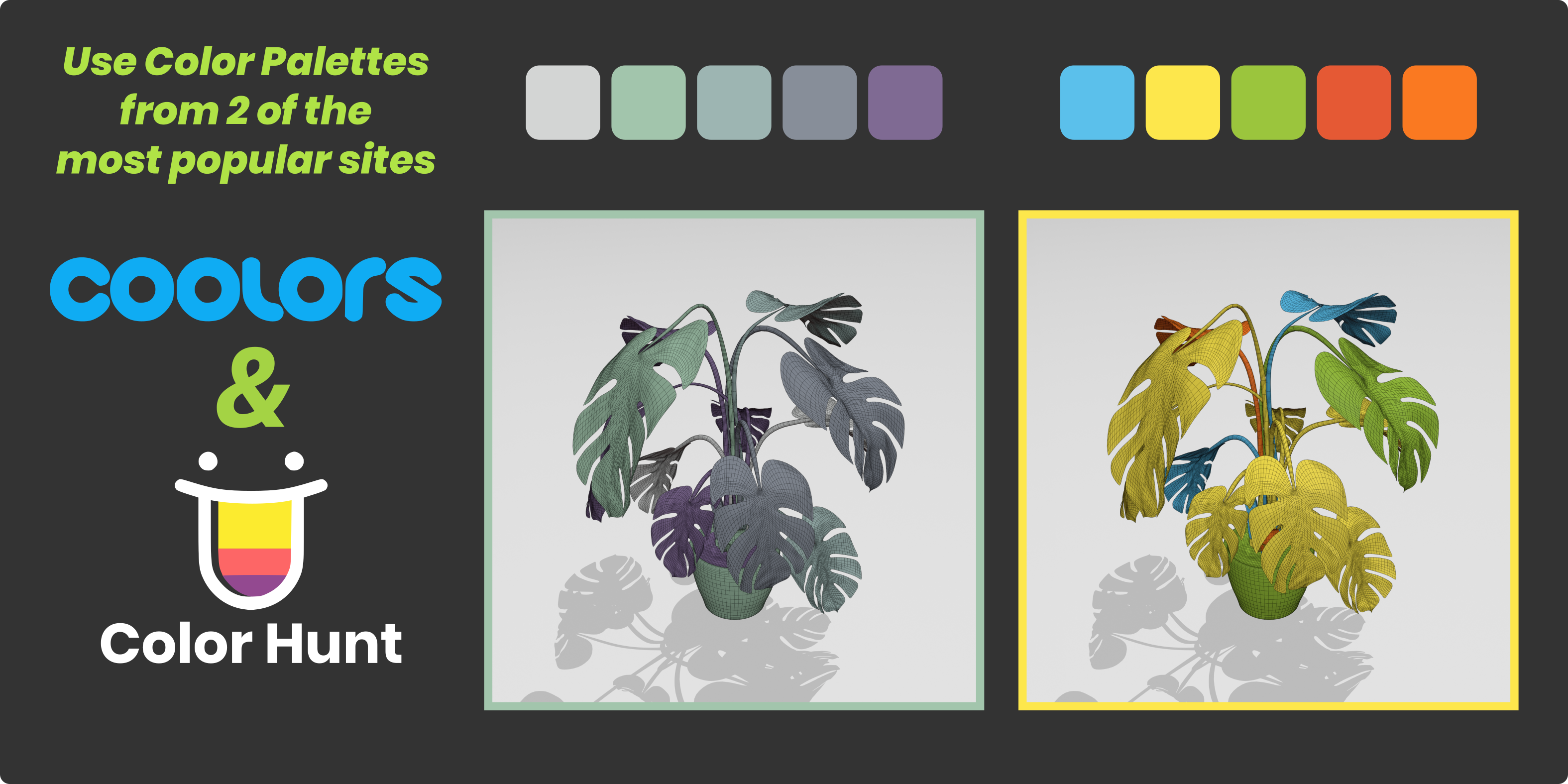
Models used for presentation: “Halo Reach - DMR” by McCarthy3D and “HIGH QUALITY SCIFI GENERATOR” by Cinnamine3D, both licensed under Creative Commons Attribution. Canister by Openvisualfx. StarConnect - Space Express, Riffle, Old Building-2-freepoly.org, Space Mech Pilot and Humanoid Robot from blenderkit.com. Some free models from chocofur.com. Many thanks to them.