Clean Panels
Do you suffer from TMA — too many add-ons? Clean Panels gives you four different ways to reach your tools without a wall of N-Panel tabs.
Get Clean Panels — or get all 18 add-ons
The Ultimate Value Bundle includes Clean Panels and 17 more add-ons. Offer ends 13th September, 11:59 PM.
Get the Ultimate Value Bundle →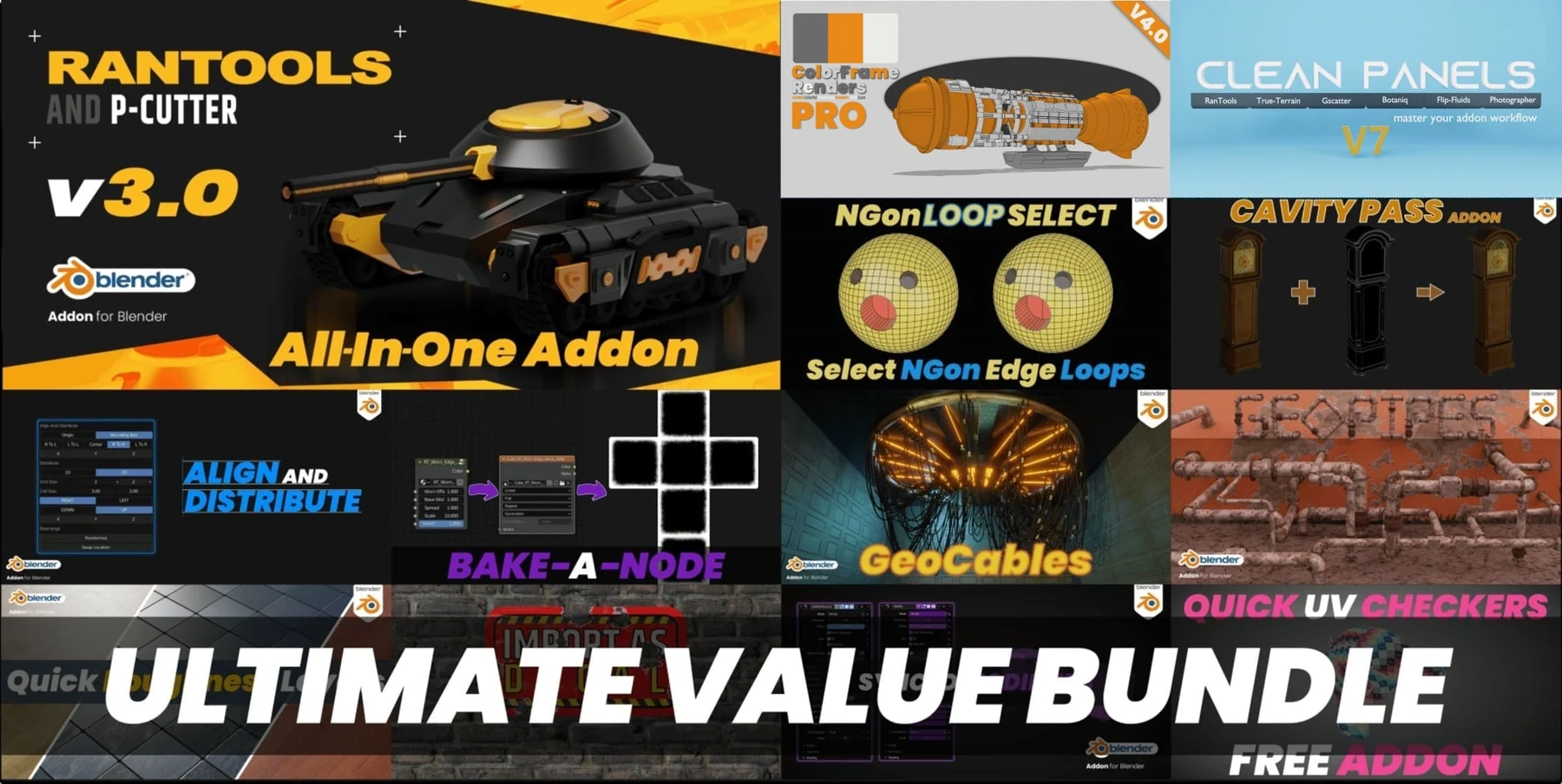
Where Clean Panels came from
That freedom to write add-ons is exactly why we love Blender — and exactly why the sidebar ends up unusable. Most of us have built different workflows over the years: landscapes one day, hard-surface the next.
Clean Panels is something we thought about for a year before building. It had to stay simple while still offering real options, so we spent two and a half months testing, gathering feedback, fixing bugs and refining it.
Four ways to reach your add-ons
Focus Panels
Instant panel access without expanding endless sidebar tabs.
Drop Down Panels
Pin your favourite tabs to the top bar for fast access from anywhere. Even when an add-on is disabled in the current workspace, you can still reach its panel for some functions.
PopUp Panels
Reach any tab or panel from a pie menu.
N-Panel Filtering
Sort your add-ons into categories, give each one an icon, then toggle them from the viewport.
N-Panel filtering in detail
Divide your favourite add-ons into categories and assign an icon to each, then enable and disable them straight from the viewport.
A pie menu lets you switch between categories quickly.
What the pros are saying
“CleanPanels really does do what its name suggests! After setting up my workspaces and pie menus in CleanPanels, I got rid of the N panel tab (an option in CP) and Blender has never looked so tidy!
Aman and Vector showed us the idea in March 2022 and I thought “I can't really see the need in this”. But as the weeks went by and they took on feedback from their testers, implemented new ideas, refined workflows and addressed bugs; I can see this tool having a place in many people's workflow.
If you're an addon hoarder, or someone who just doesn't like the N panel, GET THIS! Putting addon functions into a pie menu — one of the top 3 best bits of this tool.”

Known limitations
- Some add-ons may not work with dropdowns and single-panel popups because of how their developers coded them. Report any you find and we'll try to reach out to that developer for a fix.
- We tested with over 10 add-on fanatics running most of the popular add-ons on the market and fixed most of the bugs — but we can't test every add-on, so your feedback matters.
- There is a known issue between Clean Panels and K-Cycles. We don't yet know what causes it.
Upgrading from V2.0
Also from my store
RanTools (and P-Cutter)
My all-in-one add-on is also 30% off right now. Recent additions include a new HDRI Library, Fast Cutter Mode for P-Cutter, better cloth and cable simulations, and asset browser support for the material library.
View RanTools →