Cavity Pass
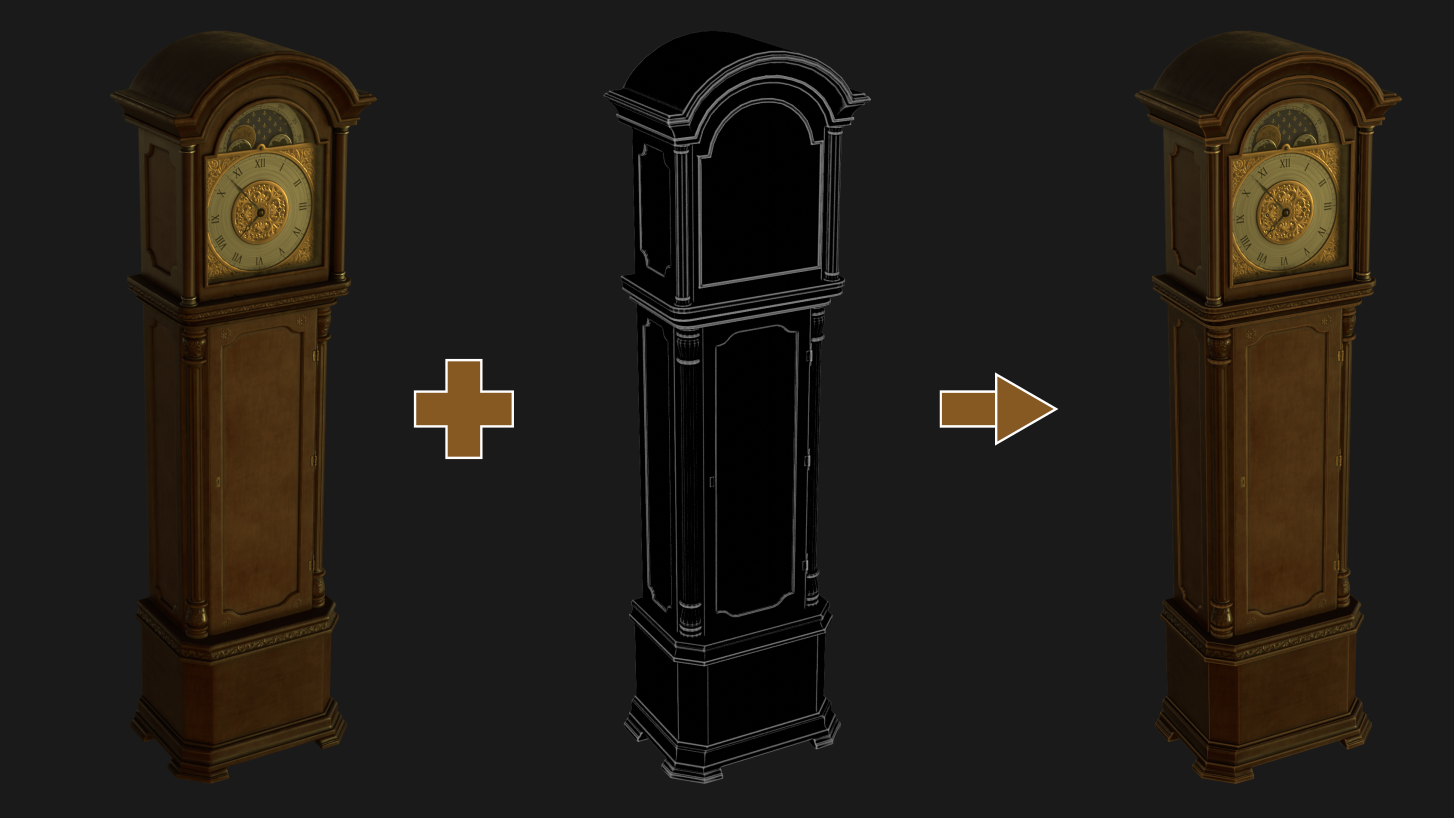
Render and composite a cavity pass over your render to add fake bevel and light effects.
CompositorN-Panel > A-ToolsPreview before render
Get Cavity Pass — or get all 18 add-ons
$90Bought Separately
→
$45Bundle Price
→
$31.50With 30% Off
The Ultimate Value Bundle includes Cavity Pass and 17 more add-ons. Offer ends 13th September, 11:59 PM.
Get the Ultimate Value Bundle →
Usage
How it works
Render a cavity pass from N-Panel > A-Tools > Cavity Pass. The panel is deliberately small and to the point.
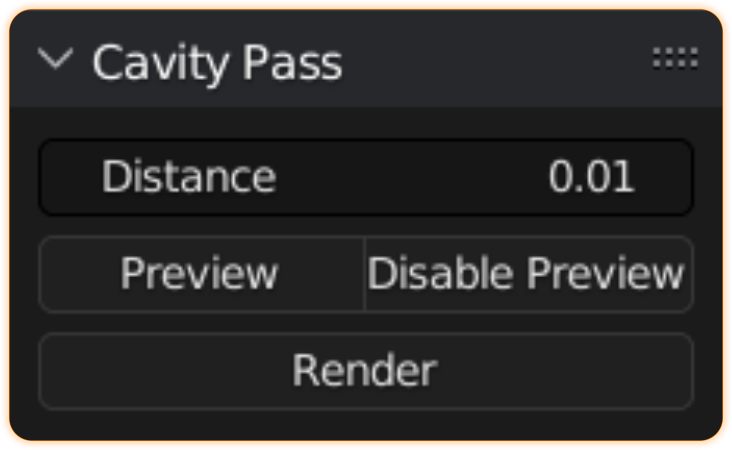
- Distance controls the spread.
- Preview shows a low-contrast version of the pass — the final pass is processed to add more contrast, so the preview is not what you get.
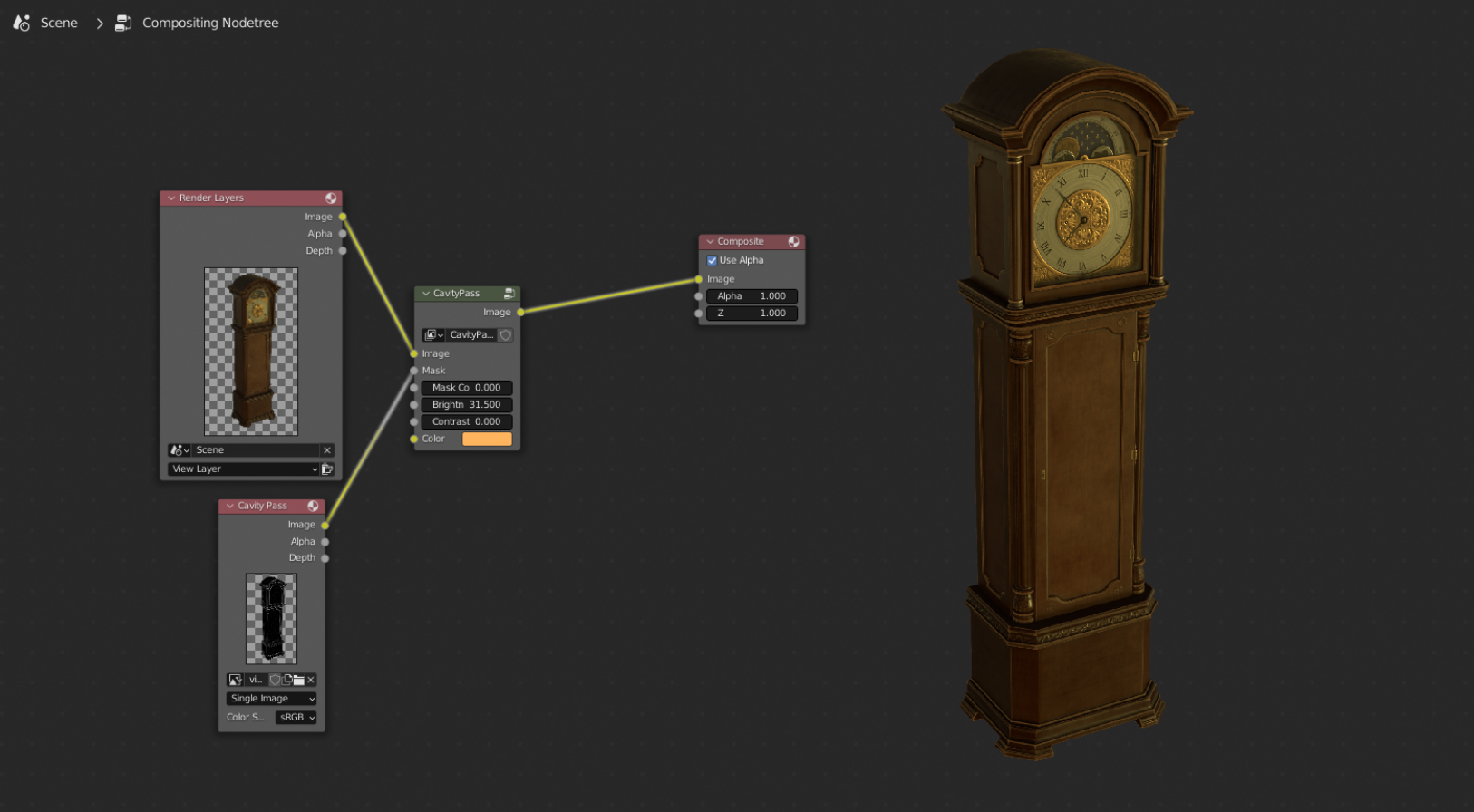
- Render adds an image with the processed cavity pass straight into your compositor node tree.
- Hold Ctrl while clicking Render to set up a cavity pass group node that controls the edge effects — brightness and colours.
Examples
More tools
Also from my store
RanTools (and P-Cutter)
My all-in-one add-on. Recent additions include a new HDRI Library, Fast Cutter Mode for P-Cutter, better cloth and cable simulations, and asset browser support for the material library.
View RanTools →